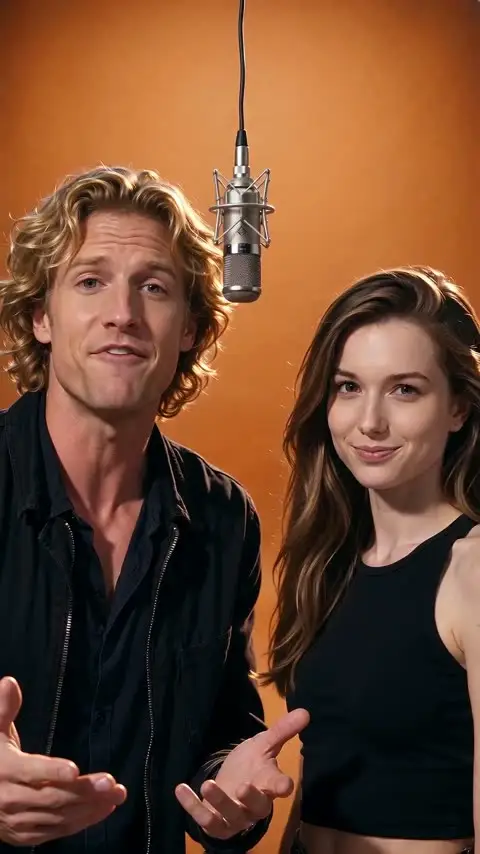
Meme remake template
Can I Ride AI: Make Your Dance Meme Video
Create a Can I Ride AI video with a friend: upload two photos and turn the synchronized hand dance into a 9-second vertical meme remake.
Create your Can I Ride AI video
Made from 2 photos, with the Can I Ride template handling the scene and timing.
1 · Pick a meme
2 · Add your photos
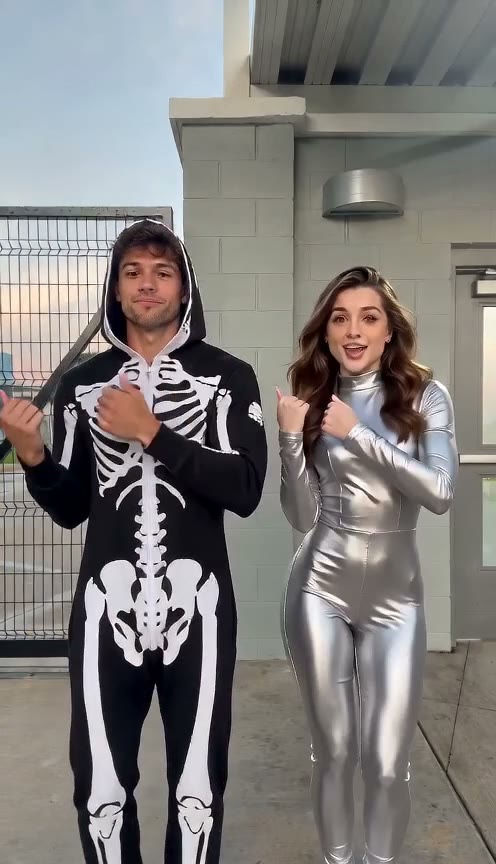
Can I Ride
9s · 9:16 · 2 photos · Meme remake
Photo tips · JPG / PNG / WEBP, up to 10 MB
- Use one clear adult in each photo
- Use good light, a visible face, and no heavy filters
- Frame each person from the head to the waist when possible
- Use only photos you are allowed to use
Upload only adults who agreed to appear.
See the format
A fixed scene, made personal with your photos
The template handles the scene, timing, and camera treatment. The uploaded 2 photos guide the appearance of the 2 performers in the final remake.
9 seconds in a 9:16 format
2 photos for 2 performers
A downloadable MP4 after rendering completes
Can I Ride dance example 1.
More dance examples
One rhythm, different duos
Watch the hand movements and expressions change from one pair to the next. The example above and these three clips show different takes on the Can I Ride dance.
The dance, beat by beat
What makes the Can I Ride meme recognizable?
The appeal is in the contrast: a quiet opening gives way to a quick exchange of gestures. The camera stays in place, so the two dancers and their timing carry the joke.
Side by side
The pair face the camera and hold a calm pose before the music takes over.
Hands in rhythm
Crossed arms, finger signs and rolling hands turn small gestures into the choreography.
Build the energy
Hands move toward the camera and shoulders bounce as the routine grows more animated.
Let the reaction land
A smile, a lean or a relaxed sway gives each dancer a different personality.
Plan your duo
Two photos, two places in the dance
Choose a photo for each dancer and pay attention to the left and right upload labels. The fixed scene supplies the choreography; your photos guide who appears in it. The result is a 9-second vertical MP4 that you can review and download from My Videos.
Before you upload
- Choose clear, well-lit photos with each adult performer easy to recognize.
- Use separate photos for the left and right dancer, and check the slot labels.
- Ask your friend or partner for permission before using their likeness.
- Review faces, gestures and timing in the finished AI video before sharing.
How it works
From 2 photos to a Can I Ride remake
- 01
Choose Can I Ride
The fixed template sets the scene, timing, and final video format.
- 02
Add 2 photos
Use clear, authorized adult performer photos, one for each upload slot.
- 03
Render, review, and download
Your MP4 appears in My Videos when the remake finishes.
Photo guidance
Give every performer a strong reference
Clear, simple portraits help the remake service place each performer in the intended role and keep the final video easy to recognize.
- Use one adult performer in each photo
- Choose a visible face in even light, without heavy filters
- Upload only photos that you are allowed to use
Use it for
A quick, shareable video moment
Friends
Give people from the same group chat a matching short-form video moment.
Celebrations
Use clear portraits to make a distinct birthday or party message.
Inside jokes
Put the people who know the joke into the same fixed format.
Social posts
Make a compact MP4 that is ready to review and share.
Make your Can I Ride remake
Add 2 photos and turn the fixed scene into your own AI-generated video.
Make this memeQuestions
Before you make a Can I Ride video
Upload only photos that you have permission to use. Review every AI-generated remake before you share it.
What is the Can I Ride AI remake?
Can I Ride is a fixed 9-second meme-remake template. It uses 2 photos as the appearance references for 2 performers while the reference video determines the setting, timing, and camera treatment.
How many photos do I need for Can I Ride?
Upload 2 photos: one clear, authorized adult performer in each slot. A visible face in even light gives the remake service the strongest reference.
What format is the finished video?
The Can I Ride template produces a 9-second 9:16 MP4. Watch and download it from My Videos when rendering finishes.
Which photo goes on each side?
Use the left dancer and right dancer upload slots to choose which photo guides each performer. Review the result because AI-generated details can vary.
Does the Can I Ride video include sound?
The template adds its audio track to the finished video. Review the result and check the rules of the platform where you plan to share it.
Can I change the choreography?
This is a fixed template: the reference scene sets the dance and timing. Your two photos guide the performers’ appearances.
Can I use a photo of someone else?
Only use your own photo or a photo of another adult who clearly agreed to appear. Do not upload minors, public figures, or likenesses you are not authorized to use.
Will the finished performer look exactly like the photo?
The uploaded photos guide an AI-generated remake, so details can vary. Clear, front-facing images help the service make the result easier to recognize.
Is Can I Ride an official production?
No. AI Rap Generators is an independent creation tool. This is an AI-generated remake template and is not affiliated with the original creators, artists, rights holders, or social platforms.
Explore more
Try another meme remake
Each fixed template has its own performer count, timing, and final format.
Hotel Lobby
You and a friend trade lines in the orange booth under one hanging mic.
View template
Bulin 47 Rap
Put one performer into a close-up rap performance with the fixed template timing.
View template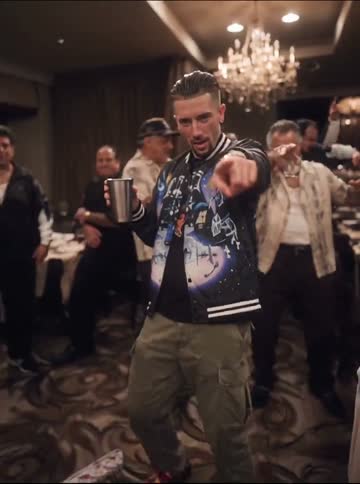
Burning Bridges
Turn one clear performer photo into the fixed Burning Bridges meme format.
View template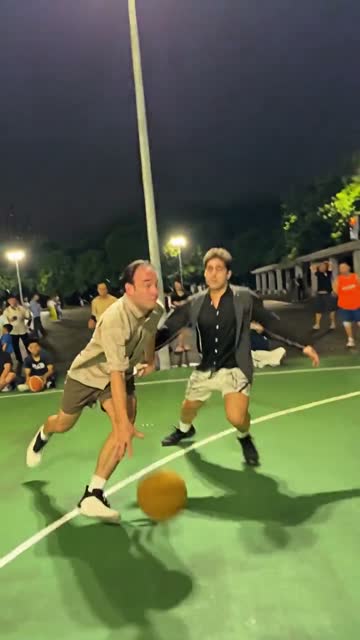
Middle Finger Dunk
Bring two performers into a fast vertical sports-court meme remake.
View template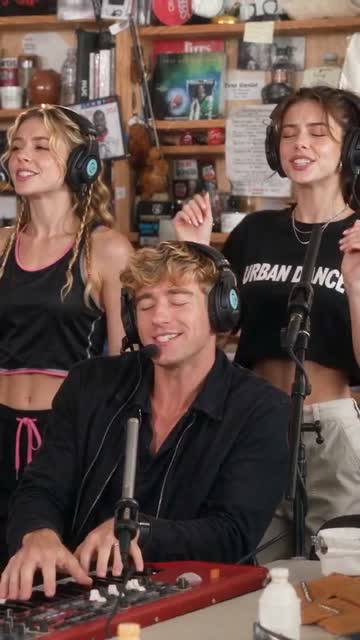
Outstanding Tiny Desk
Place three performers into a compact vertical performance meme format.
View template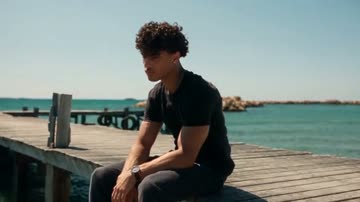
Raindance
Use two performer photos in the Raindance meme remake and keep its scene timing.
View template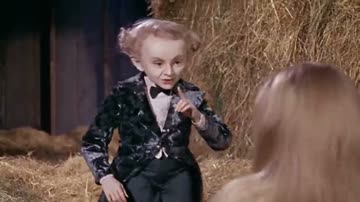
Tip Toeing in My Jordan
Remake the Tip Toeing in My Jordan format with two clear performer photos.
View template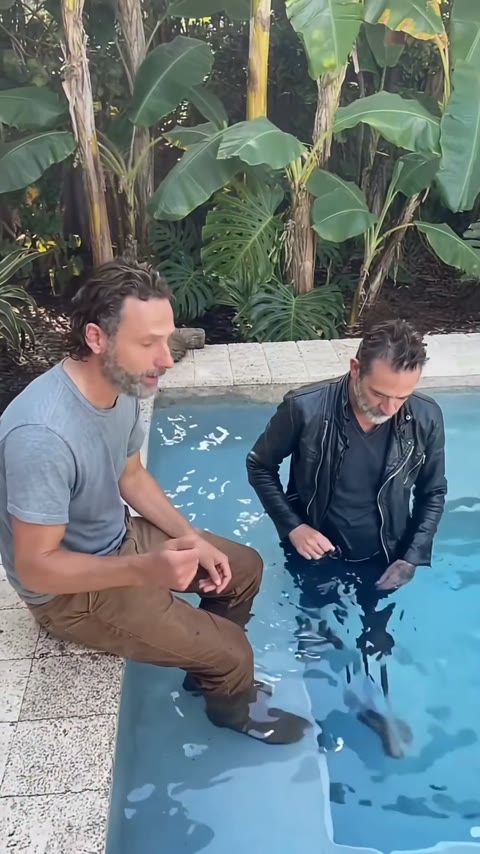
Island Boy
Recast the Island Boy pool meme with two performer photos.
View template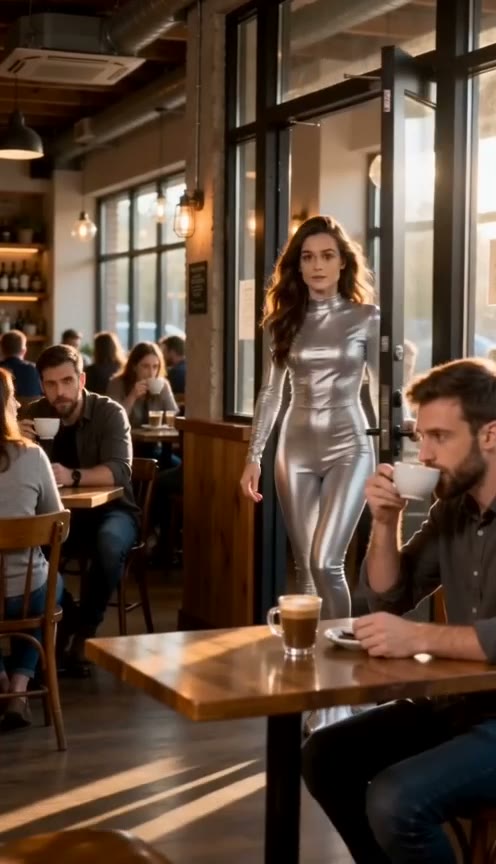
All Eyes on Me
Step into the room and become the center of attention.
View template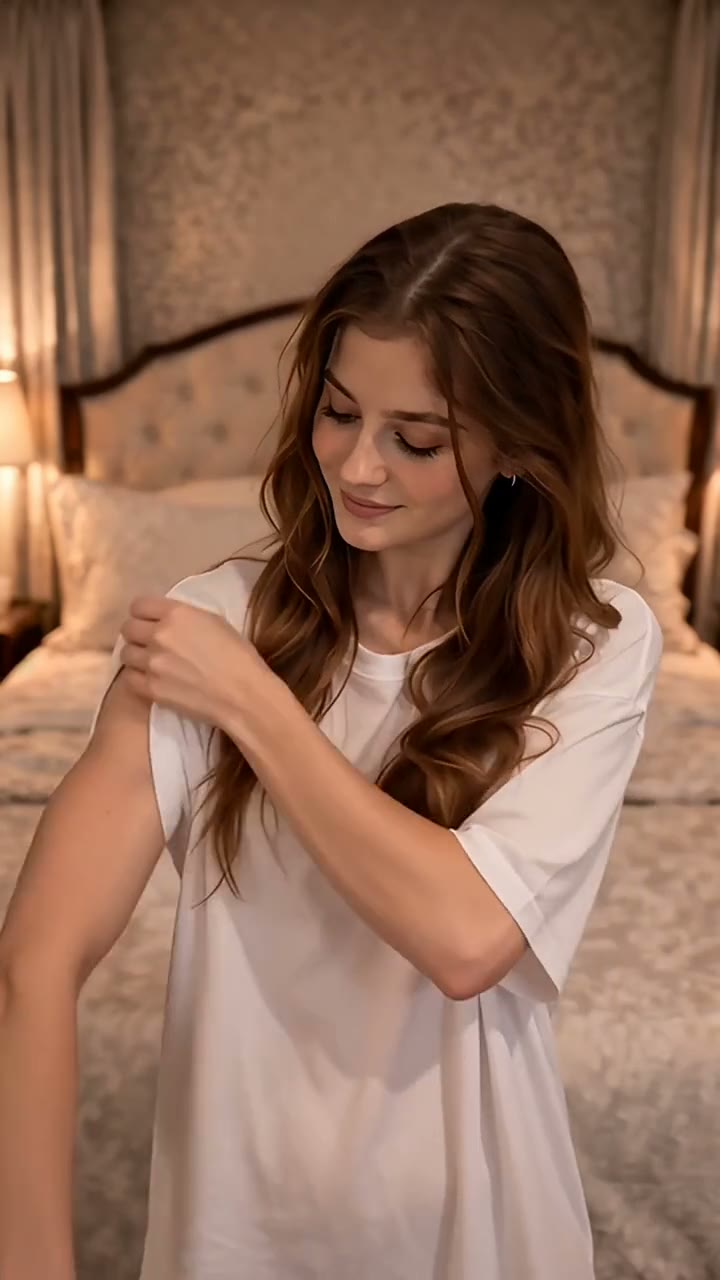
Bicep Heart
Flex an arm and complete a heart in this playful short-video trend.
View template