Holiday video collection
Make a Christmas rap song video with your photos
Start with one performer, or add a second for a duo, in a fireside room or snowy yard. Turn the moment into a 15-second vertical rap with a new beat, new verse, and holiday-ready motion.
Make your Christmas rap video
Made from just these photos, all made by AI.
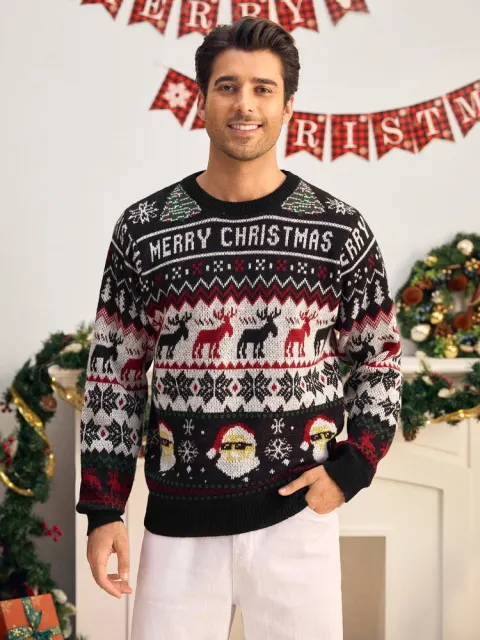
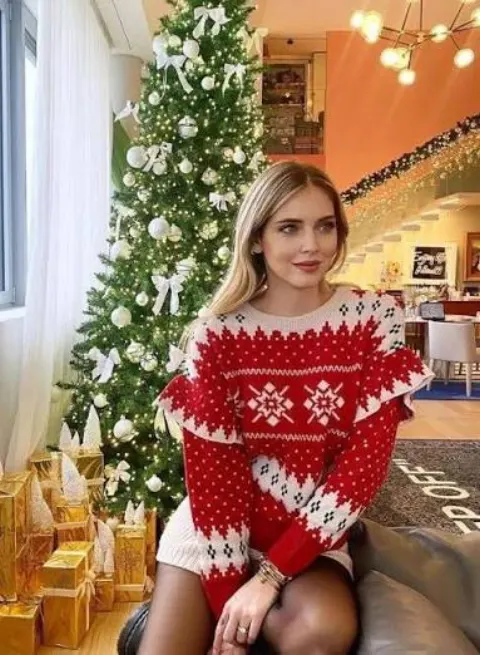
1 · Pick a stage
More stages
2 · Add your photo — or a second performer
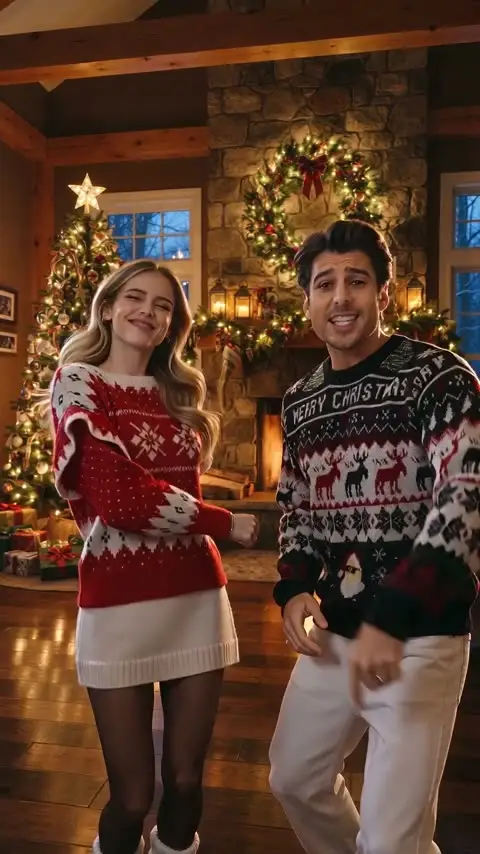
Christmas Rap
15s · 9:16 · 10 credits · Original AI track
Photo tips · JPG / PNG / WEBP, up to 10 MB
- Use one clear person or pet in each photo
- For people, use good light, a visible face, and no heavy filters
- For pets, use a well-lit photo with their face and body visible
- Use only photos you are allowed to use. People must be consenting adults
3 · What's the song for? (optional)
Add the occasion and details to shape the lyrics.
Lyrics use the names and details you add. Leave it empty for a general hype song.
10 credits are reserved when rendering starts and returned if the video cannot be completed. Pricing
Choose a scene
Festive stages for your holiday verse
What it creates
A Christmas video with your own punchline
The Christmas stages give the performance a place to happen: a warm room with lights and presents, or a snowy yard outside after dark. Your photos guide who appears in the scene.
Add a short idea if you want. A name, a holiday ritual, or a friendly joke is enough for the generator to give the verse its own point of view.
Every result is an original AI-made performance. It does not recreate a recording, singer, or commercial Christmas song.
See the format
Your performers, one original track, one shareable video
The selected scene keeps one or two performers in a vertical frame while AI generates the movement, voices, verse, and backing beat. The completed MP4 is ready in My Videos when rendering finishes.
15 seconds in a 9:16 vertical format
A new verse and beat generated for the performance
Downloadable MP4 after the render completes
This is a first-party AI-generated example for the selected stage. Turn sound on to hear the original track.
How it works
From your photos to a holiday rap video
- 01
Pick the setting
Choose a glowing living room or a snow-covered front yard.
- 02
Add your photo — or a second performer
Start with one clear photo, then add a second performer when you want a duo. Use photos of adults who agreed to take part, or supported pet photos.
- 03
Render, review, and share
The finished vertical video appears in My Videos, ready to download.
Make it personal
Add one detail that makes the verse yours
The best ideas are specific but simple. Give the generator a setting, a small tradition, or a line that only the two people in the video would recognize.
- The annual ugly-sweater rivalry
- A sibling who never wraps gifts on time
- Your office party and its secret gift exchange
- The last cookie everyone claims they did not eat
Ways to use it
Keep the holiday message light and recognizable
Best friends
Turn one shared ritual, an old joke, or a gift-exchange disaster into a short holiday performance.
Couples
Give the verse one small, recognizable detail, like your first tree, favorite snack, or who always loses the tape.
Family
Make a bright, shareable clip for the group chat with one performer — or two adults sharing the joke.
Coworkers
Keep it light: an office party, a desk decoration contest, or a cheerful sign-off before the break.
Create a holiday rap worth replaying
Pick a Christmas scene, add one photo — or a second performer for a duo — and let the generator make an original video with sound.
Start with a Christmas sceneQuestions
Before you make your Christmas video
AI Rap Generators is an independent creative tool. It is not affiliated with artists, labels, holiday films, or social platforms.
Can I add a name or an inside joke?
Yes. Add a short detail in the optional idea field, such as a name, a shared tradition, or a friendly running joke. It gives the generated verse a more personal direction.
Is the Christmas music original?
Yes. Each performance uses a newly generated beat and verse. It is not a cover, a recording by an artist, or a clip from a commercial holiday song.
Do I need an existing Christmas rap song?
No. We do not provide a pre-existing Christmas rap song. Add a name, occasion, or inside joke, and we create a new personalized verse and beat for your video instead.
Can I send this as a holiday card?
Yes. When your render is ready, download the vertical MP4 from My Videos and send it in a group chat or post it where AI-generated media is allowed.
Which photos can I use?
Use one clear photo for Original Solo Rap, or add a second performer for Original Duo Rap. Every person must be an adult who agreed to appear. Do not upload minors, public figures, or anyone whose likeness you are not allowed to use.
How long is the finished video?
Original rap videos are 15 seconds in a vertical 9:16 format, designed for phones, short-form platforms, and direct sharing.
How much does a Christmas rap video cost?
Each original 15-second rap video costs 10 credits. You see the cost before rendering, and credits return automatically when a render cannot be completed.
Can pets appear in a Christmas rap?
Yes. Pet photos are supported alongside adult performer photos, as long as each uploaded image is clear and you have permission to use it.
When will my video be ready?
Renders usually take a few minutes. You can leave the page while it works and return to My Videos to watch or download the result.
Explore more
More original rap stages
Try another setting when the holiday verse is done. Every stage starts from the same one-photo-or-duo workflow and creates a fresh performance.
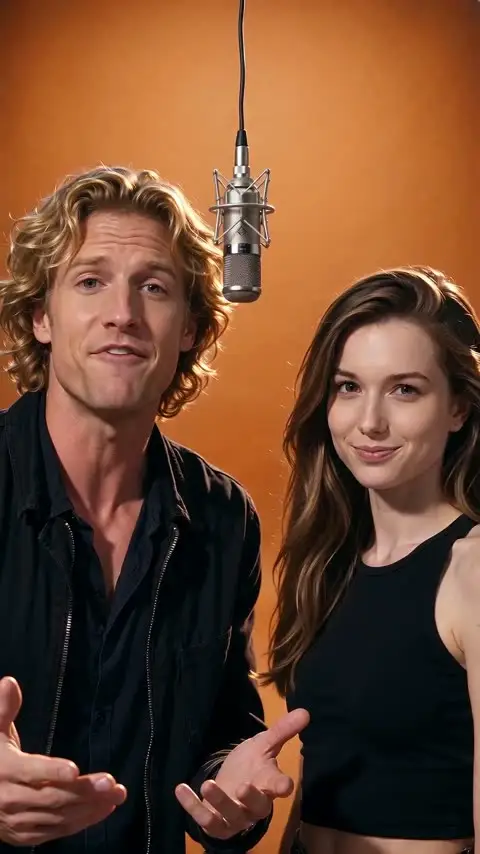
Hype Duo
You and a friend rap an original verse side by side under one hanging studio mic.
View stage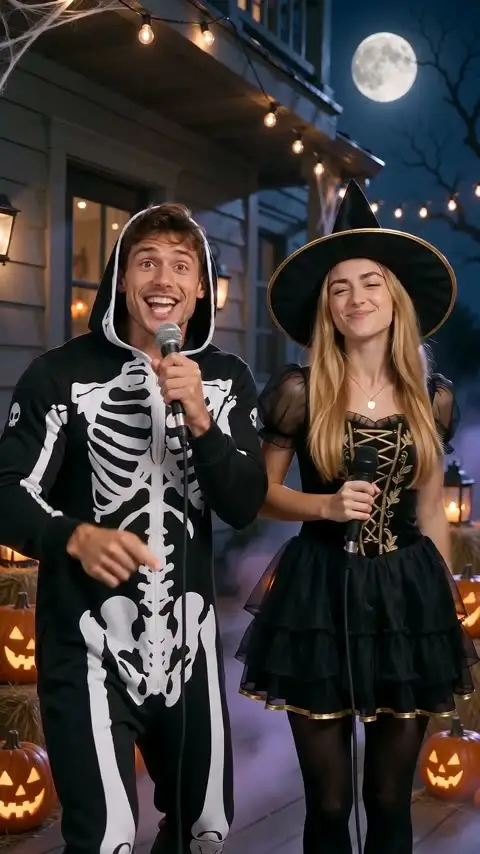
Halloween Rap
You and a friend rap an original Halloween verse on a porch with pumpkins and moonlight.
View stage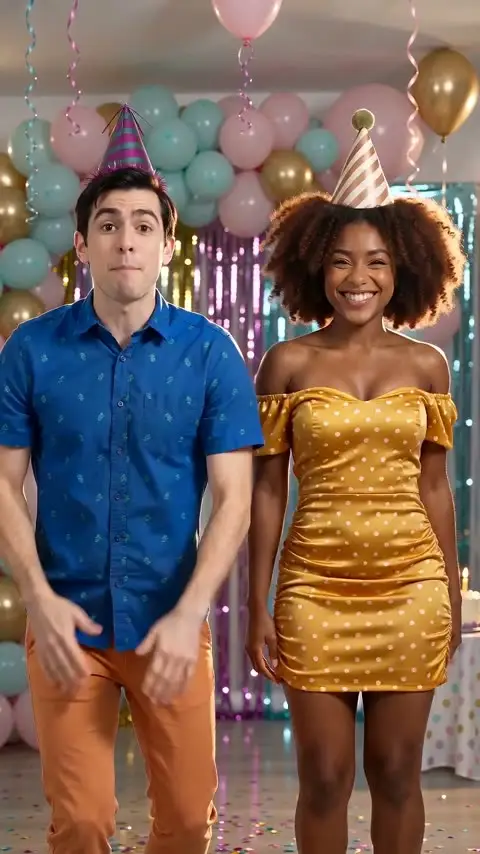
Birthday Rap
You and a friend rap an original birthday verse amid balloons, confetti, and cake.
View stage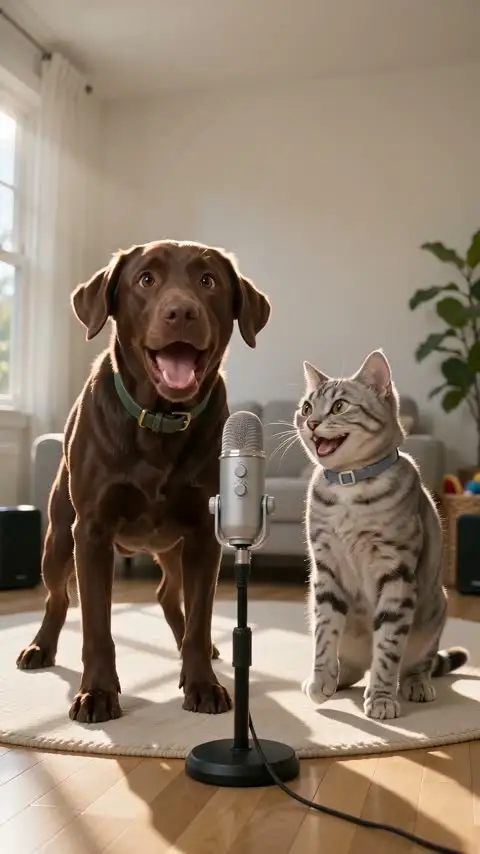
Pet Duo
Your two pets rap an original verse together in a bright living-room studio.
View stage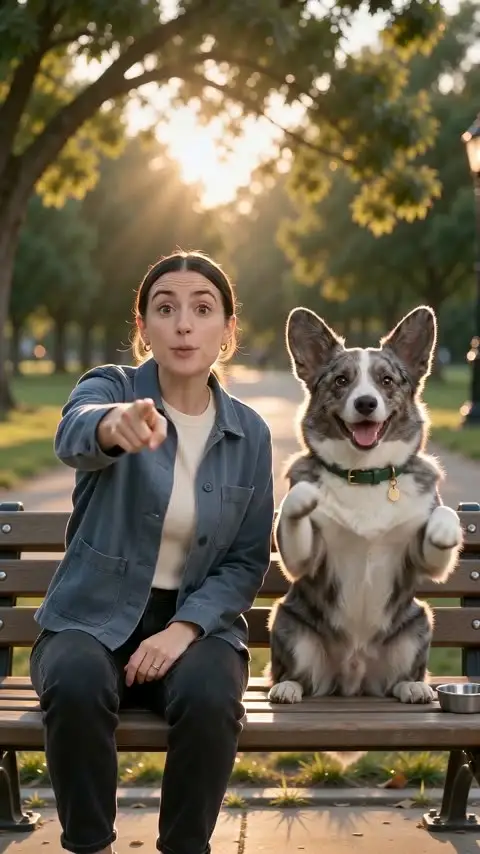
Me & My Pet
You and your pet rap an original verse together on a park bench at sunset.
View stage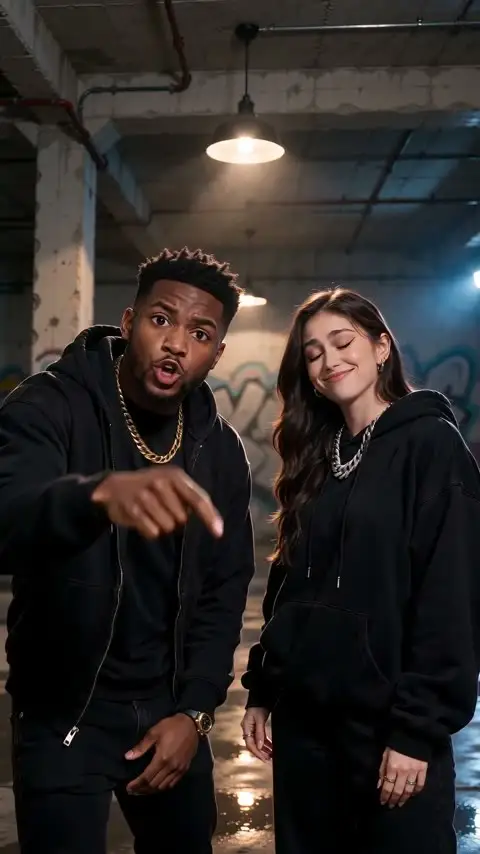
Roast Battle
You and a friend trade playful original bars under a single warehouse bulb.
View stage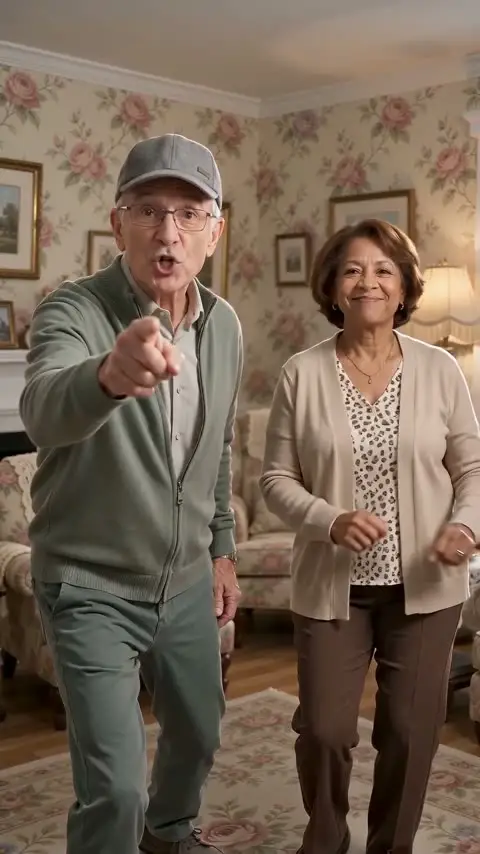
Grandparents Rap
Two performers rap an original verse together in a warm vintage living room.
View stage